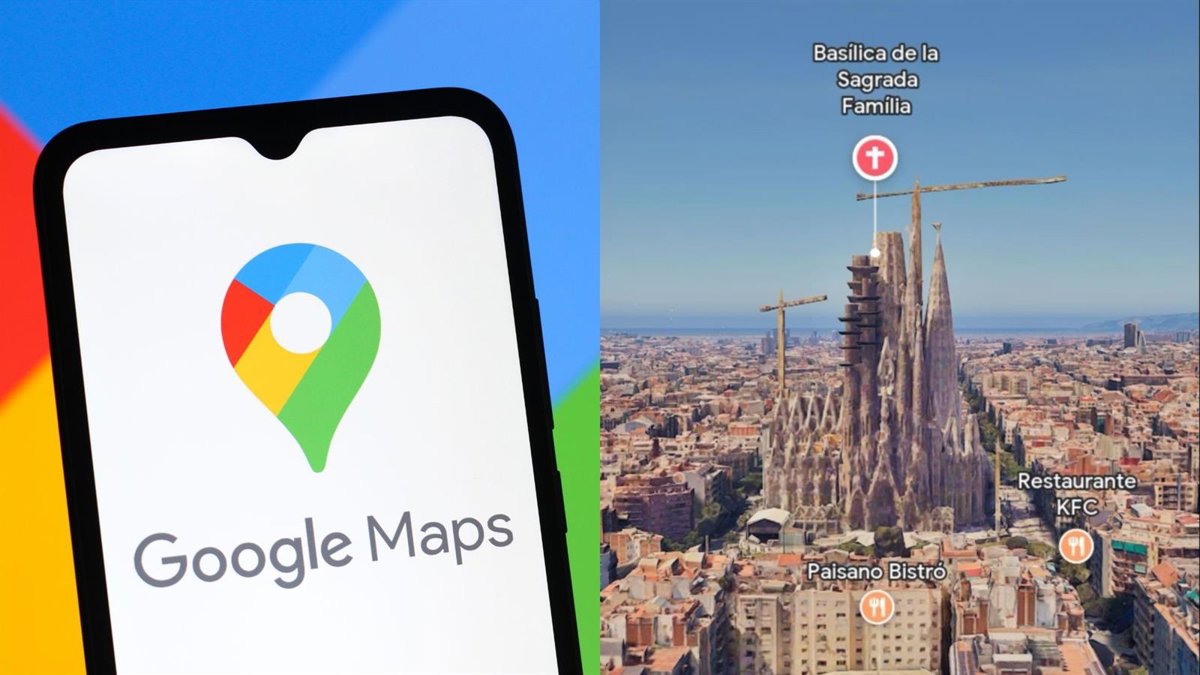
Currently ‘Immersive View’ is available in Amsterdam, Berlin, Dublin, Florence, Las Vegas, London, Los Angeles, Miami, New York, Paris, San Francisco, San José (Costa Rica), Seattle, Tokyo, Venice, Budapest, Milan, Prague, Rome, Buenos Aires, Rio de Janeiro, Bangkok, Beijing, Dubai, Hong Kong, Jakarta, Kuala Lumpur, Manila, Singapore, Sydney and Cape Town.
In the case of Spain, it is available in Barcelona (entire city), Madrid (Plaza de España and Prado Museum), and Córdoba (Mosque of Córdoba).
HOW TO USE IMMERSIVE VIEW
There are two ways to use ‘Immersive View’: to visit a emblematic area or for preview a route. The first is focused on cities that do not have the ‘Immersive View’ in its entirety, but do have some notable enclaves (although it also works for the rest of the cities). For example, Córdoba only allows views of the Mosque-Cathedral.
To visit it, the user must enter “Mosque-Cathedral of Córdoba” in the search engine. Next, the options “How to get there”, “Start”, “Call”, etc. will appear. Just below are the images taken by users.
In the first image that appears, the ‘Immersive View’ option (‘Immersive View’). After clicking on it, a new interface will open in which the user can explore the map with an aerial view generated by AI, as well as choose the date and time of the display.
For the route preview Yes, you have to be in a city where the ‘Immersive View’ is available in its entirety, like Barcelona. To use it, you have to search for the destination in the search engine.
The marked route will then appear on the map. If it is by car, it will appear as a continuous line, while if the walking option is chosen, a route marked by consecutive points will appear.
In the lower left corner, just above the transportation options and their times, a window will appear with images with a cube symbol inside instead of the circular arrow in Street View. This cube means that Immersive View is available for the ride.
By clicking on this window, the Immersive View will automatically open, which will make the journey quickly, although the user can choose the pace at which the route progresses thanks to its control interface similar to video ones, being able to pause it at any time and explore a certain section.
This way, users can preview the route before taking it and become familiar with the environment without having to constantly view the Google Maps application.
Latest news on these topics
https://pickensrecords.us/warrant-search
https://pikerecords.us/
https://pikerecords.us/arrest-records
https://pikerecords.us/court-records
https://pikerecords.us/criminal-records
https://pikerecords.us/divorce-records
https://pikerecords.us/inmate-search
https://pikerecords.us/property-records
https://pikerecords.us/warrant-search
https://pittsylvaniarecords.us/
https://pittsylvaniarecords.us/arrest-records
https://pittsylvaniarecords.us/court-records
https://pittsylvaniarecords.us/criminal-records
https://pittsylvaniarecords.us/divorce-records
https://pittsylvaniarecords.us/inmate-search
https://pittsylvaniarecords.us/property-records
https://pittsylvaniarecords.us/warrant-search
https://platterecords.us/
https://platterecords.us/arrest-records
https://platterecords.us/court-records
https://platterecords.us/criminal-records
https://platterecords.us/divorce-records
https://platterecords.us/inmate-search
https://platterecords.us/property-records
https://platterecords.us/warrant-search