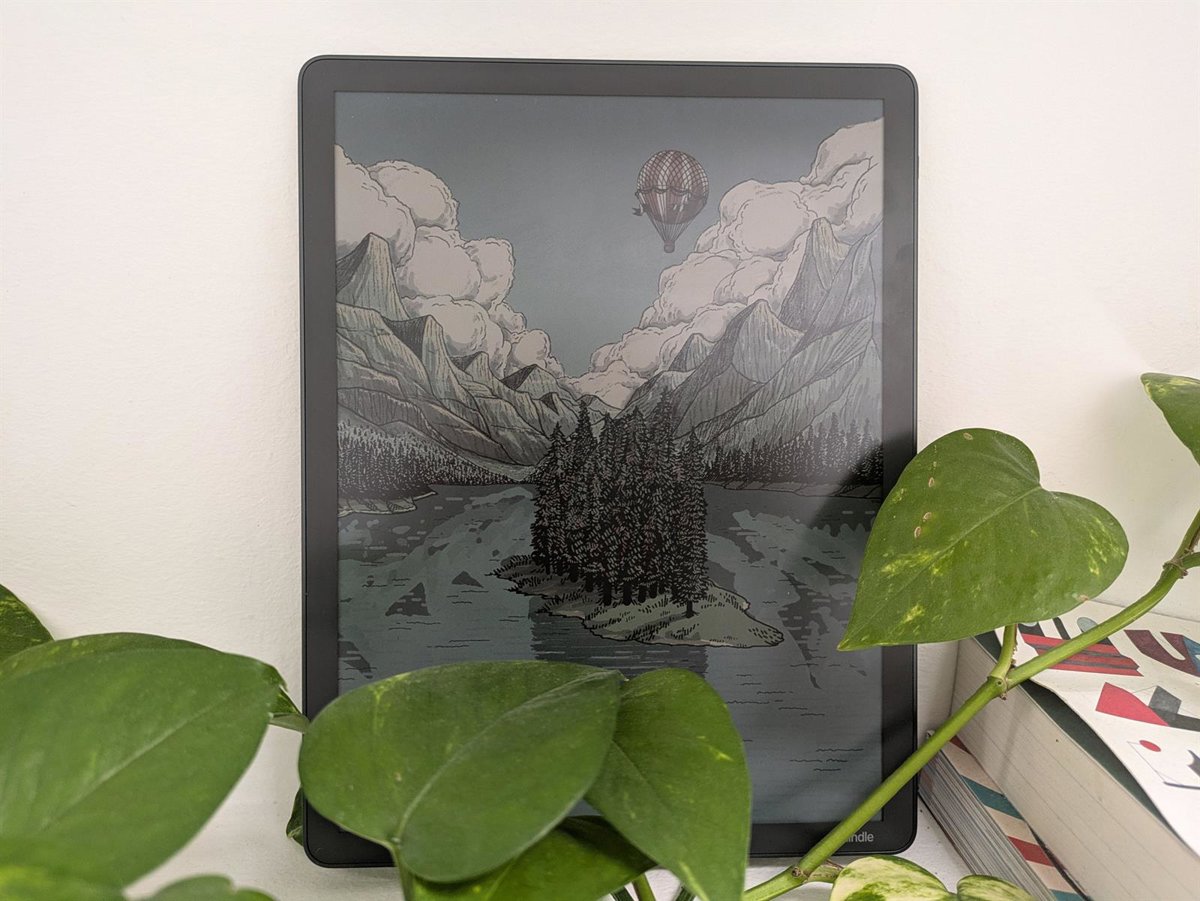
To begin with, we are faced with an 11 inch screen that simulates the reading experience on paper thanks to its glare-free finishwhich offers a very pleasant sensation to the eye and that contrasts with that of mobile phones, which are brighter and more impressive.
This is because we are looking at an electronic ink screen and not pixels. Colors on the Kindle Scribe Colorsoft They look soft, like chalk or pastelbut it is possible to select a more vivid color mode in the settings, so that they take on a little more intensity, although the difference is rather subtle.
With this screen we can, on the one hand, read books, as with any other Kinlde, but also comics and magazineswhich benefit greatly from the jump to color screen and size, especially in the case of magazines, which tend to have a larger folio size.
On the other hand, we can use it as a tablet to work on documents. To do this, it includes a quick notepad and allows you to create multi-page notebooks to work on larger projects.
Kindle Scribe Colorsoft includes a stylus, which is the size of a standard pencil or pen, helping you hold it naturally to write on the screen. It is striking that writing is done effortlessly, with a firm, clean line without latencywhich captures the lyrics, whether good or bad, in the same way as it does on a sheet of paper.
This accessory has the advantage that it allows you to choose the thickness of the stroke, the style (pen, pencil, fountain pen, etc.) and the colorwhich can also be taken advantage of by those people looking for a lightweight tablet for drawing.
What is written in the notebook It can be deleted to start over or correct certain parts, but we have detected that a very slight shadow of what has been removed remains on the sheet being worked on. When you change pages or close and open the notebook, that shadow disappears.
The pencil is attached with a magnetic system on the edge of the Kindle Scribe Colorsoft, which avoids losing it when we go to reading mode, if we no longer want to write. To round out the experience, this accessory has a button that can be configured with a shortcut to actions such as shading or underlining.
Kindle Scribe Colorsoft also allows you to work on existing documents, which can be imported directly from cloud services such as Google Drive y Microsoft OneDrive, to make annotations or corrections, and upload them again to save and share them.
This device includes smart features that can seen as basic but they help when you are working with notebooks or documents, such as generating a summary or search for information without being limited to specific keywords or terms.
Regarding the battery, after starting the test with a full charge, we have not had to charge it again during the two weeks that we have had the Kindle Scribe Colorsoft in our hands, so we cannot guarantee the total autonomy it offers. Amazon claims that extends for weekswithout specifying much more, but it is ample and sufficient time to take advantage of this device.
Overall, we are looking at a device with a screen size large enough to work comfortably on itwith a pencil that feels natural in the hand, and that incorporates color to expand the possibilities of users, although it may fall a little short in intensity for those looking to find the same experience as tablets.
From what we have been able to test, the experience it offers is aimed more at facilitate note taking, that we can give life with rather basic colors so that they are beautiful and orderly, since share quick document ideaswith the added bonus that it also works as an ‘eReader’ and gives access to the Amazon ecosystem. This should be taken into account, especially in relation to its price, about 700 euros, which means that it is not for everyone.