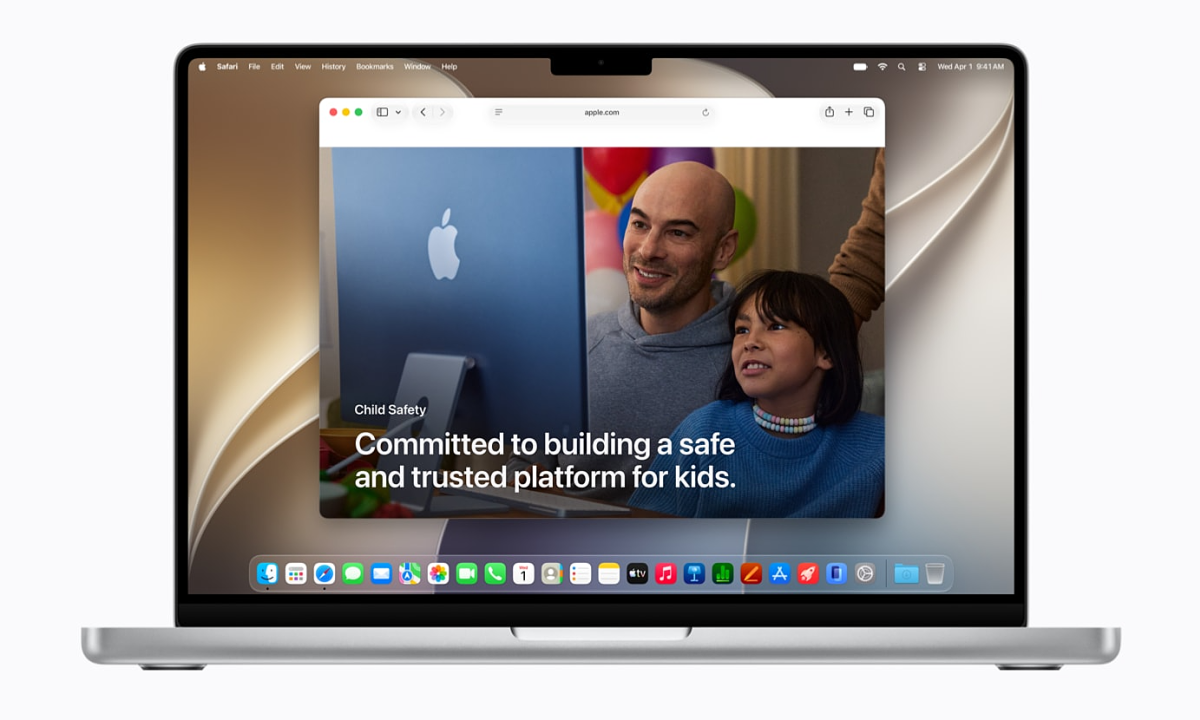
At WWDC 2026, Apple introduced a series of tools to help protect children’s safety in the digital environment, as well as help parents control their children effectively.
On the WWDC 2026 global developer conference stage, besides highlighting Siri AI and new operating system updates for iPhone, iPad, Mac…, Apple continues to upgrade the child control toolkit in a simple and intuitive way with advice from safety and health experts, as well as helping parents create a safer, richer digital environment for children.
Setting up a child account is easier
Apple account creation interface for children. Image: Apple
Setting up a child account is the first step to help parents build device usage experiences according to each age. Apple applies a system-wide account creation and management mechanism, including limiting access to adult websites, controlling access to content by age, as well as setting age limits on the App Store. When setting up a new device for a child, parents will be instructed to create a child account – required for children under 13 years old and can be used up to 18 years old.
Control what your kids can see
Set up accessible apps from the start. Image: Apple
After creating a child’s account, parents need to decide which applications the child can use on the device, for example starting with some basic applications, a selected list of applications or only allowed applications. Over time, parents can add new software and maintain control over each change.
As children’s device needs increase, parents can expand access through the Ask to Buy feature. This function requires children to receive adult approval before downloading applications from the App Store, whether free or paid, as well as before making in-app transactions. Besides, the Ask to Browse feature allows parents to ask children to ask permission before accessing a new website on Safari. The new mechanism works seamlessly on iPhone, iPad and Mac.
Control children’s contact
Parents can control who their children can contact via Messages, FaceTime…
Right from setting up the device, parents can manage the list of people their child is allowed to contact via Messages, FaceTime and Phone. When a child wants to connect with a new contact, ask them to ask for permission before starting the conversation.
Communication Safety, which is already used to detect and blur images or videos containing nudity in Messages and FaceTime for people under 18, now extends to identify violent or scary content in shared photos and videos. When this type of content is detected, the system issues warnings and intervention measures before users continue viewing.
Manage access time
Time Allowances helps set usage time for children. Image: Apple
The Time Allowances feature provides tools to manage application usage time by each content group such as entertainment, games and social networks. During the setup process, the system will provide suggestions based on research on children’s device usage habits at each age, from which parents can apply an initial limit and change it according to their child’s actual needs.
In addition, parents can set daily rules to regulate the applications that children are allowed to use at each time of the day, or each day of the week. This setup helps control children’s access to the app during times when they need to focus on other activities, such as studying or doing activities on a fixed schedule.
Supports orientation in the digital environment
Screen time tracking updates the interface to be more intuitive, helping you check your child’s average screen time and identify the most used apps. From the management screen, parents can change app or website access permissions with just one tap, for example temporarily restricting device use during meals, when participating in outdoor activities, or during time spent on other activities.
The website interface provides a guide to protecting children in Apple’s digital environment. Image: Apple
To increase accuracy, Apple also joined hands with the American Academy of Pediatrics (AAP) to integrate the Family Media Plan handbook as a reference for parents using online devices and services when controlling their children. The company also continues to work with experts to understand the impact of technology on children and support and collaborate on research in this area.